
Email and intake module
The inbox does not sort itself.The inboxdoes notsort itself.
Inquiries, orders, invoices and follow-up questions land mixed in the same mailbox. The agent identifies the case, extracts the required data, prepares the reply and submits it for approval.
- Casesidentified, not just read
- Draftprepared, not sent
- Approvalbefore every send
Use case
When the day starts in the inbox and ends there too.
Value is high when many emails follow a similar structure but each still has to be read, assigned and answered individually.

- Everything in one inbox
- Quote request, complaint, invoice and newsletter sit side by side. Prioritization happens in your head, every morning again.
- Data gets retyped
- Addresses, line items, dates and numbers travel from mails into other systems, manually and error-prone.
- Replies repeat themselves
- The same information is rewritten again and again, at varying quality depending on the person and the day.
Solution
Identify. Prepare. Let a human approve.
The agent does not decide about sending. It classifies the case, extracts the required data, proposes a reply and hands over to the person who confirms or corrects.
- Capabilities
- classify incoming mail by case typeextract required data and attachments in a structured wayprepare reply drafts in your house tonehand cases to the right people and systemstrack deadlines and open follow-ups
- Boundaries
- no sending without approvalno commitments on price, date or liabilityno processing outside defined mailboxesno deletion or moving of originalsescalation for complaints, cancellations and legal topics
Process
From a full mailbox to ordered cases.
The pilot starts with two or three case types, not with the entire mailbox.
- 01
Case types
Which mail types arrive daily and are worth automating first?
- 02
Required fields
Which data must be recognized reliably so the next step works?
- 03
Draft and tone
Define and test reply building blocks, tone of voice and escalation rules.
- 04
Relax approval
Only after a proven hit rate decide where approvals may be dropped.
Trust
Email is external-facing. That is why a human stays on the trigger.
A misclassified case can be corrected internally. A wrongly sent reply cannot. That is why the draft is the default and automatic sending is the justified exception.
- Draft by default
- The agent prepares. Sending happens after review, unless something else is explicitly agreed.
- Traceable classification
- Why a case was classified the way it was stays visible and correctable.
- Sensitive cases out
- Complaints, cancellations and legally delicate mails go straight to humans.
Fits these industries
Where this agent is used in practice.
Reading
Related articles from the blog.
Practical guides that explain the same processes before you start a pilot.
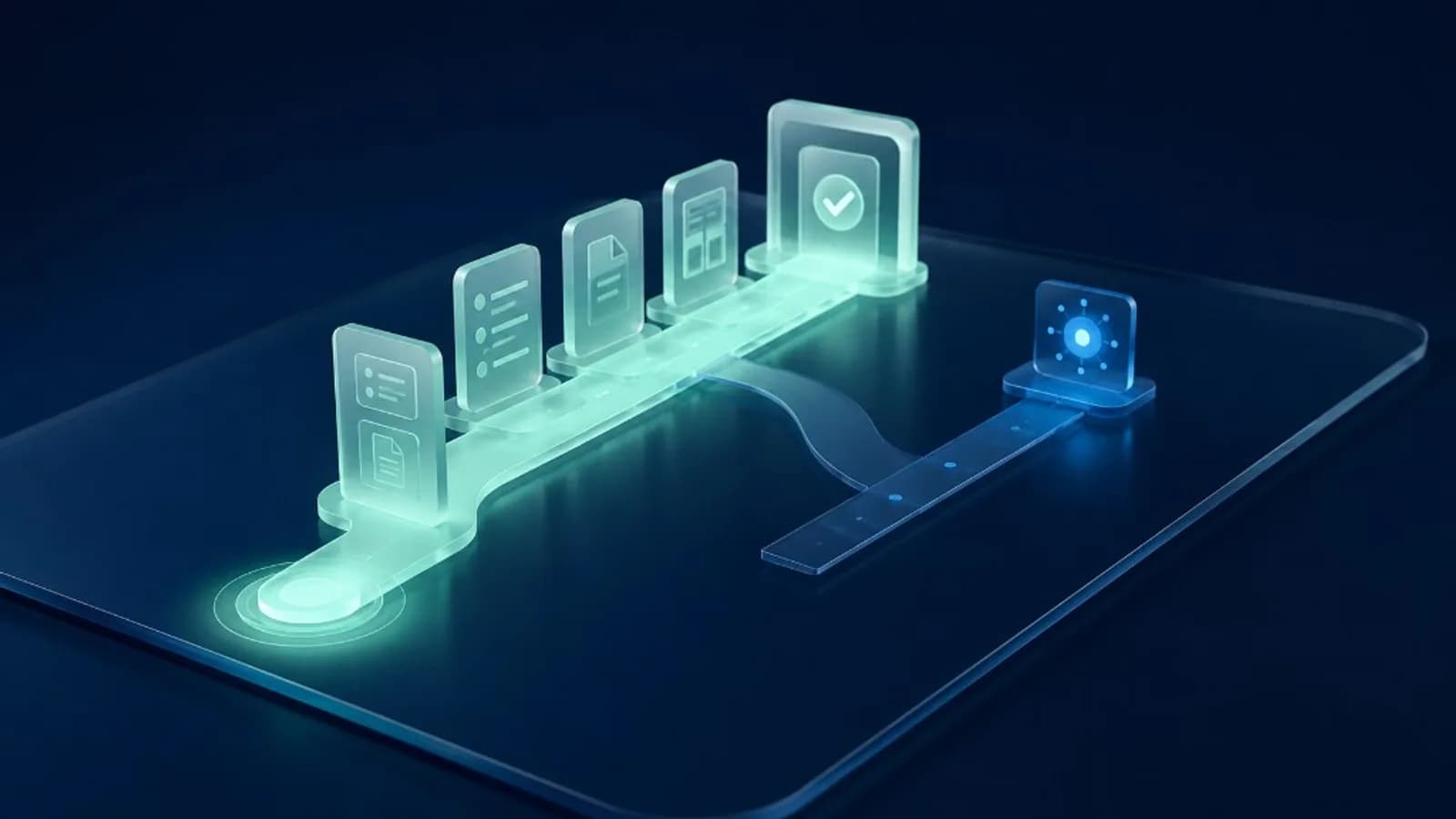
Business assistant or phone assistant first?
Business assistant or phone module before the pilot: decision guide with matrix, baseline and 30-day path. When briefings should come before call answering.

Automation or AI agent before the pilot
Automation, AI assistance or agent: which level fits when. Decision matrix for risk, cost and operations before your first AI pilot project.
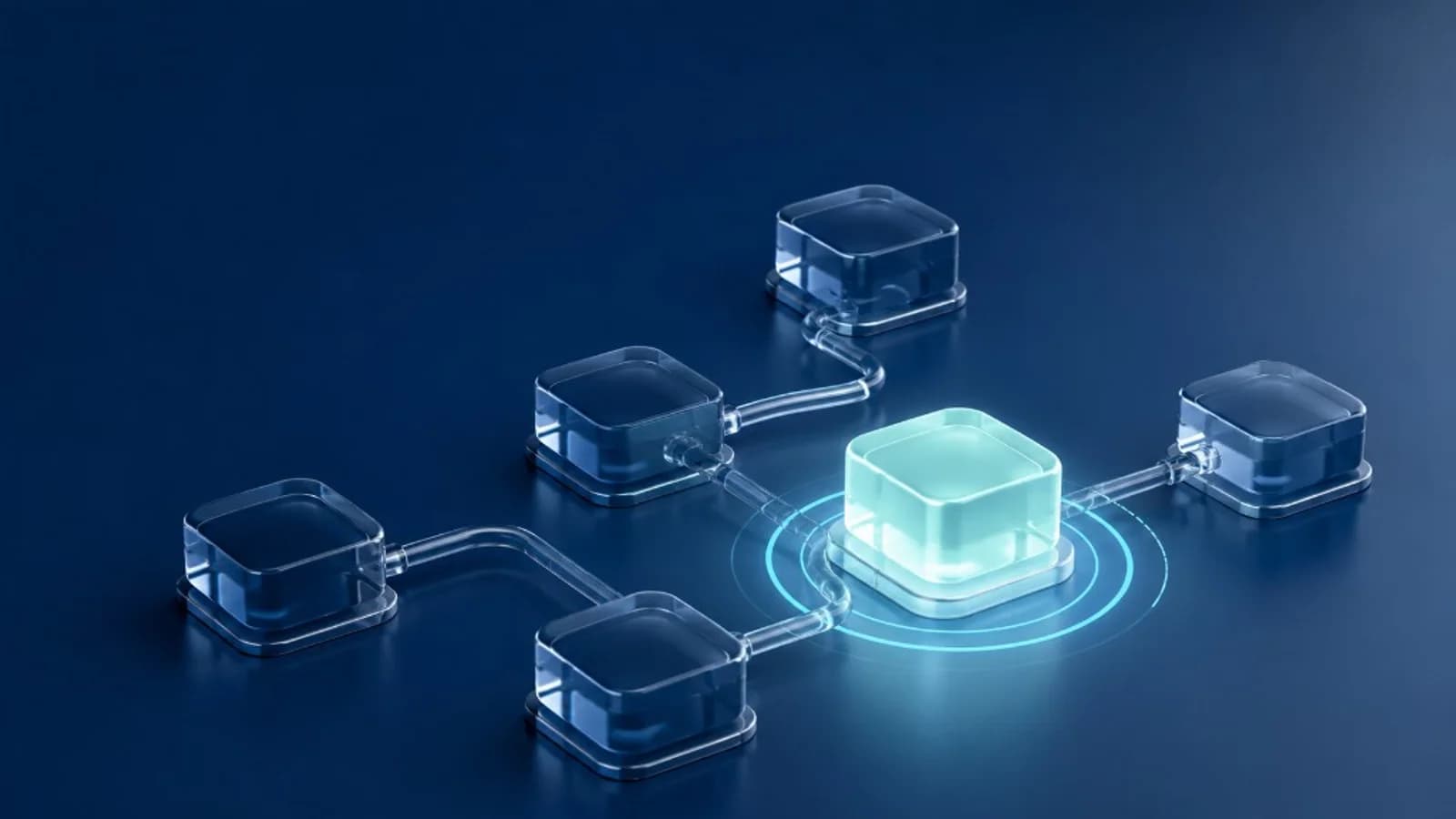
AI Agents for SMBs
AI agents for SMBs: three criteria for the first use case, control, baseline and realistic entry. Practical guide from BitAutor in Hannover.
BitAutor Inbox Agent (module)
Should your inbox arrive pre-sorted?
Then we start with the most frequent case types, the required fields and the approval path.
Book a 30-minute slot directly whenever it fits your schedule.